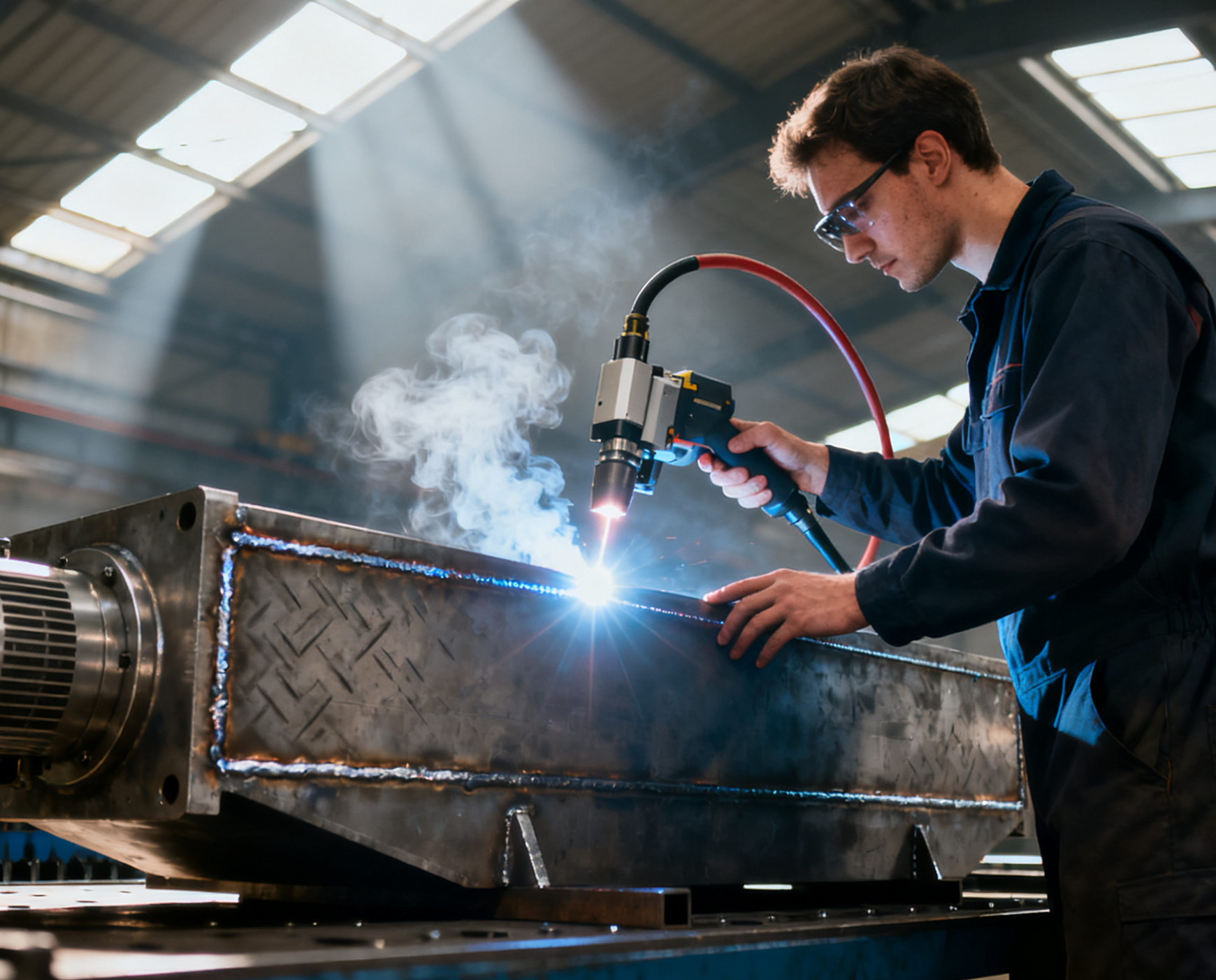

Tube Laser Cutting Machine Installation Guide

Tube Laser Cutting Machine Installation Guide
1. Safety Precautions
DANGER: Failure to adhere to these instructions can lead to severe injury, fatal electric shock, or significant machine damage.
-
General Safety:
Only qualified and trained personnel should perform the installation.
Wear appropriate Personal Protective Equipment (PPE) during installation (safety shoes, gloves).
Keep the installation area clean, tidy, and well-lit.
-
Laser Safety:
The laser system is classified as a Class IV laser product. Invisible laser radiation is emitted during operation.
NEVER operate the machine with protective covers open or interlocks disabled.
Always ensure that all safety interlocks are functional before operation.
-
Lifting & Handling:
The machine is heavy. Use certified lifting equipment (e.g., overhead cranes, forklifts) with adequate capacity.
Follow the designated lifting points marked on the machine crate/frame.
Ensure personnel keep a safe distance during lifting operations.
-
Electrical Safety:
Installation must comply with all local and national electrical codes.
Ensure the main power is LOCKED OUT AND TAGGED OUT (LOTO) before making any electrical connections.
The machine must be connected to a properly grounded power supply.
-
Gas & Compressed Air:
Handle gas cylinders with care and secure them properly.
Check all gas and air lines for leaks after connection.
2. Pre-Installation Requirements
Ensure the following site preparations are complete before the machine arrives.
| Item | Requirement |
|---|---|
| Floor & Space | A solid, level foundation (e.g., reinforced concrete). Minimum space requirements as per layout drawing, allowing for material handling and maintenance access. |
| Power Supply | Stable power source matching machine specifications (e.g., 3-Phase, 380V/415V, 50/60Hz). A dedicated main circuit breaker and main disconnect switch must be installed by a qualified electrician. |
| Compressed Air | Clean, dry air supply. Pressure: 0.6 - 0.8 MPa. Flow rate: ≥ 350 L/min. An air dryer and filter regulator are mandatory. |
| Assist Gas | Provisions for assist gases (e.g., Oxygen - O2, Nitrogen - N2). Purity: Nitrogen ≥ 99.99%, Oxygen ≥ 99.95%. Required pressure and flow rate as per technical specifications. |
| Environment | Ambient Temperature: 5°C - 35°C. Humidity: < 80%, non-condensing. Free from excessive dust, corrosive gases, and strong vibration sources. |
| Lifting Equipment | Overhead crane or forklift with sufficient capacity and reach for unloading and positioning. |
3. Unpacking and Inspection
Inspect Upon Delivery: Carefully inspect the shipping crate for any signs of external damage. If damage is found, note it on the carrier's delivery receipt and contact the shipping company and our support team immediately.
Unpacking: Remove the outer packaging. Use appropriate tools to dismantle the crate, avoiding damage to the machine.
-
Check Contents: Cross-reference the received items with the Packing List. Check for any visible damage or missing parts.
Main Machine Frame
Control Cabinet & Operating Console
Laser Source (may be shipped separately)
Chiller Unit
Auto-loading/Unloading System (if applicable)
Parts Kit (Tools, Manuals, Spare Parts)
4. Step-by-Step Installation Procedure
Step 1: Positioning the Main Frame
Using the certified lifting equipment, carefully lift the main machine frame.
Slowly lower it onto the prepared foundation.
Use precision leveling instruments to ensure the machine is perfectly level in all directions. This is a critical step for machine accuracy.
Secure the machine to the foundation using anchor bolts (if required) according to the provided drawings.
Step 2: Installing the Laser Source and Chiller
Position the laser source and chiller units near the main frame as per the layout diagram.
Connect Cooling System: Link the chiller to the laser source and the main frame using the provided hoses. Ensure connections are tight and secure. Fill the chiller with the recommended coolant (Deionized Water / Antifreeze mixture).
Connect Laser Power Cables: Connect the high-power cable from the laser source to the laser power input on the main machine frame. Ensure all power is OFF during this step.
Step 3: Electrical Connections
Main Power: A qualified electrician must connect the main power cable from the facility's main disconnect to the machine's main power terminal block.
Grounding: Connect the machine's main grounding point to a certified earth ground. This is essential for safety and EMI protection.
Control System: Connect the control cables between the main control cabinet, the operating console, servo drives, and the laser source.
Step 4: Pneumatic and Gas Connections
Compressed Air: Connect the facility's clean, dry air supply to the machine's air inlet. Install the provided air filter/lubricator unit if applicable.
Assist Gases: Connect the Oxygen and Nitrogen gas lines from the gas cylinders/manifold to the respective gas inlets on the machine. Use pressure regulators and check valves. Perform a leak check on all gas connections using a soap solution.
Step 5: Installing the Loading/Unloading System
Assemble the material rack, conveyor, or robot arm according to its separate manual.
Position it relative to the main machine.
Connect the power, control, and pneumatic cables between the loading system and the main machine.
Step 5: Software Installation & Setup
Power on the control system.
Install the cutting control software and the tube cutting CAD/CAM software on the industrial PC (This may be pre-installed).
Load the machine parameters and perform initial system calibration as guided by the software.
5. Post-Installation Check & Commissioning
Before the first test cut, a qualified technician must perform these checks:
Mechanical Check: Verify all bolts and screws are tightened. Ensure all linear guides and transmission systems move smoothly.
Safety System Check: Confirm all protective covers are in place and all safety interlocks function correctly (e.g., doors stop laser emission when opened).
Electrical Check: Verify all connections are secure and correct.
Cooling System Check: Start the chiller. Confirm correct flow rate, stable temperature, and no leaks.
Gas Pressure Check: Verify all assist gases and compressed air are at the required pressures.
Laser Path Alignment: A certified technician must check and align the laser beam path to ensure it is centered through the nozzle. This is a precise and critical procedure.
Test Run: Execute a low-power test run without material to check axis movements and basic functionality. Then, perform a test cut on a sample tube to verify machine performance and cutting quality.
Troubleshooting (Initial Startup)
| Symptom | Possible Cause | Action |
|---|---|---|
| Main Power will not turn on | Main disconnect off; Loose power cable; Emergency Stop activated. | Check main disconnect; Check cables; Release all E-Stop buttons. |
| Chiller Alarm | Low coolant level; Water flow blocked; Power issue. | Refill coolant; Check hoses for kinks; Ensure chiller is powered. |
| Laser Not Firing | Safety interlock triggered; Water flow alarm; Gas pressure low. | Check all doors are closed; Check chiller; Verify assist gas pressure. |
| Axis Not Moving | Servo drive fault; Motor brake engaged. | Check for error codes on drives; Check brake release signal. |
Final Note: This guide provides a standard installation overview. Always refer to the detailed, model-specific technical manual provided with your machine for all procedures, diagrams, and specifications.